
PC lock and session timer
The Windows client locks the customer account, unlocks by QR, and shows a timer overlay for time, amount, pause, extra time and end.
Gaming cafe software
Lock every PC, take online bookings, and staff the floor from your phone. The apps are free. Players pay a 10% advance online: 5% is the RigPass fee and 5% goes to you.
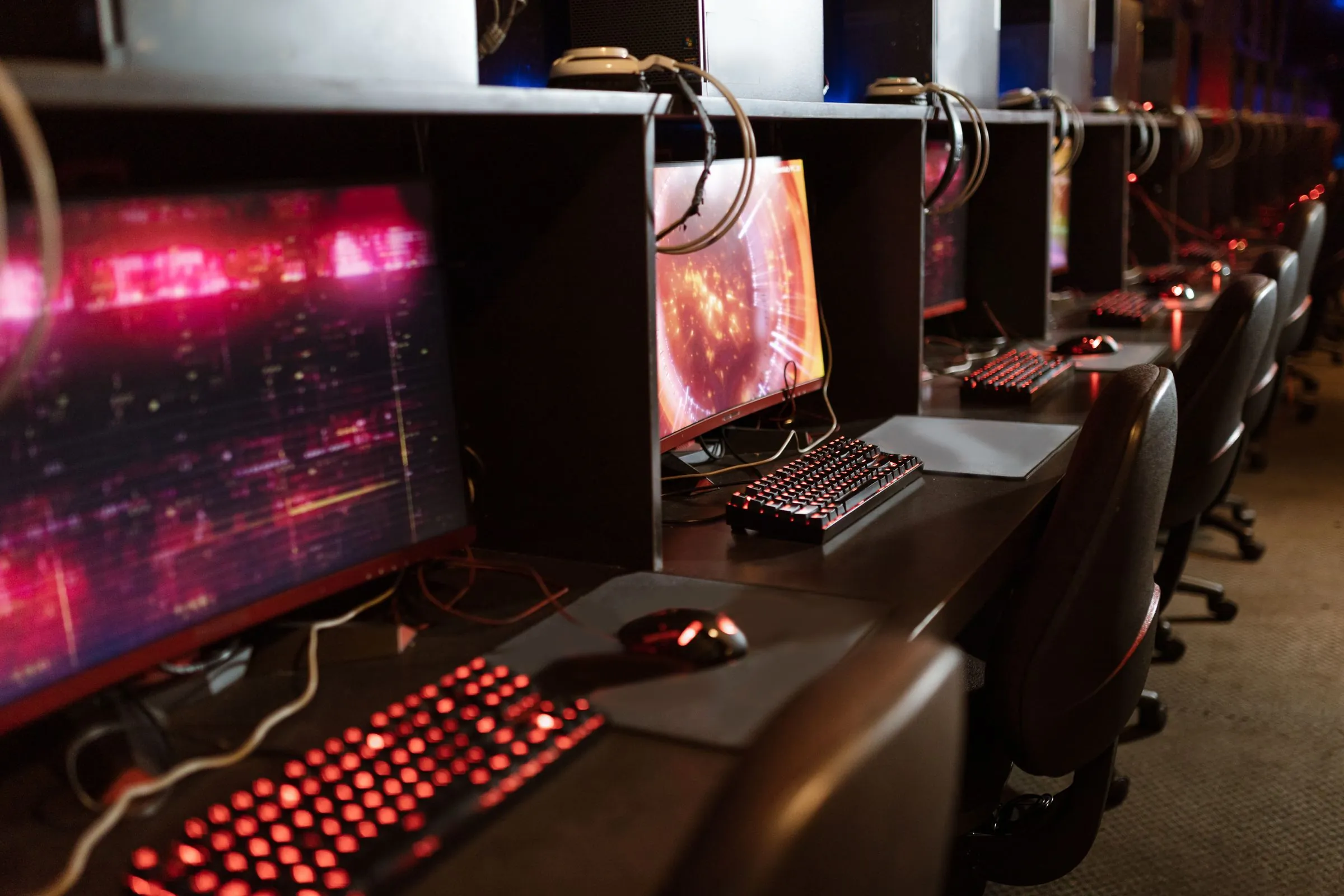
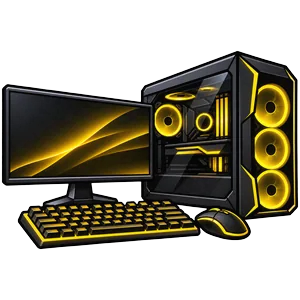 PCs, PS5, VR and simsOne floor, one booking app
Features
Built for gaming cafes: PCs, consoles, bookings, staff, and the till — in one product.
The Windows client locks the customer account, unlocks by QR, and shows a timer overlay for time, amount, pause, extra time and end.
Players book a PC or console, pay a 10% advance online, and settle the rest at your counter. No double bookings, with buffers and closures.
Walk-ins, extend, pause, end, and collect cash or UPI from a phone or the counter PC. Scan a booking QR or the staff QR on a rig.
Today at a glance, a nightly report by push and email, and an Excel export of every booking, food item and payment.
Membership wallets and hour packs pay the advance at the cafe. Staff can sell and redeem gift cards from the app.
Players add snacks and drinks from the PC they are already on. Staff see the order in the app and add it to the bill.
PCs, PS5, VR and sim stations share the same floor, prices, bookings and staff tools. Controllers can be tracked as lent items.
Wake-on-LAN, restart or shut down a PC from the staff app. Broadcast a message to every paired rig, or to the customer app.
On the station
Install RigPass Client on Windows 10 or 11. The lock screen stays up until a booking is scanned. Staff can still sign in to a real desktop, block installs and downloads, and set your logo, theme and house rules.
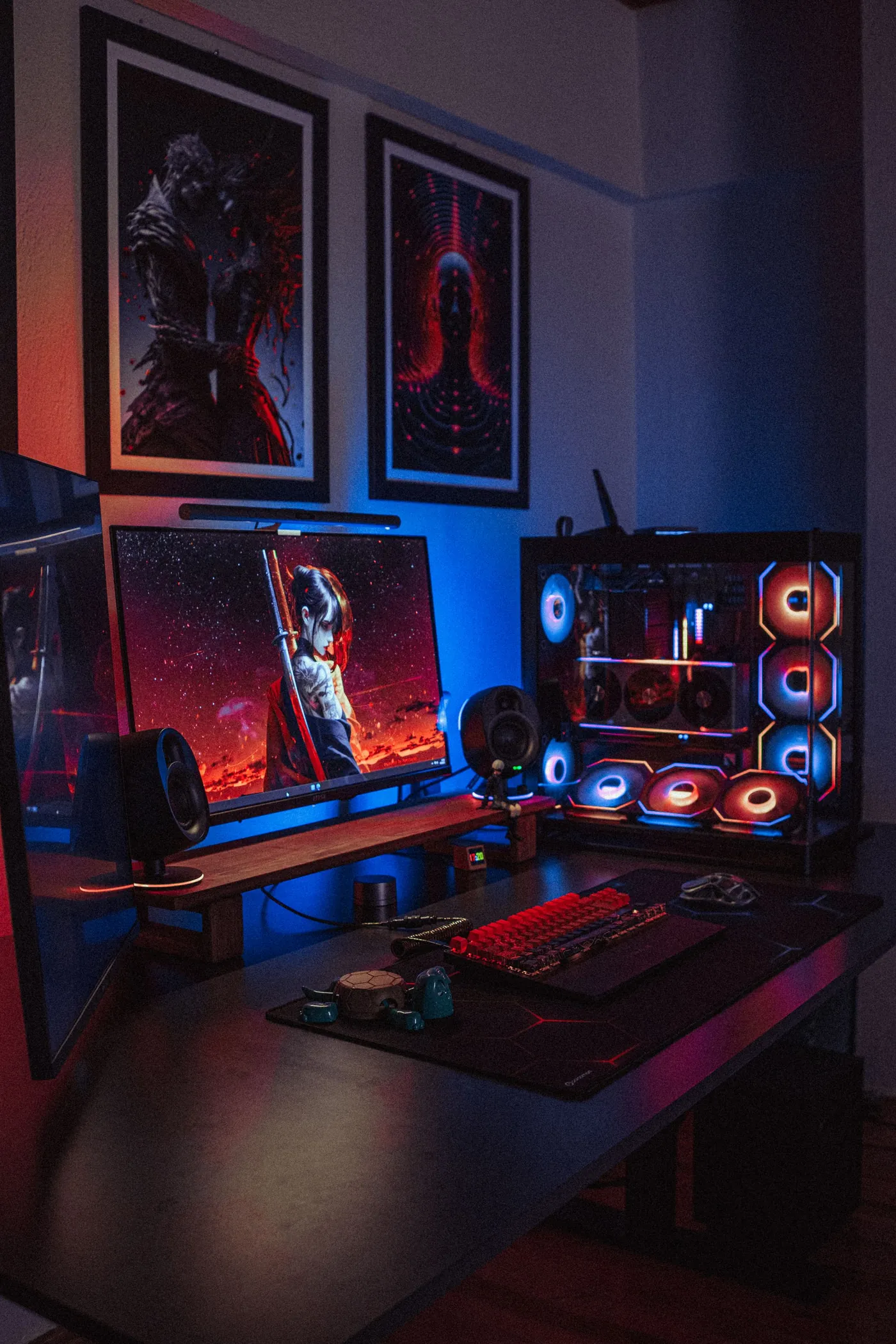
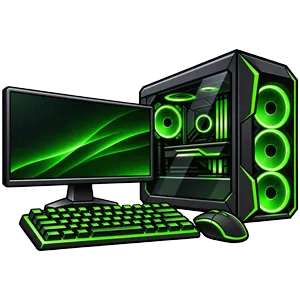
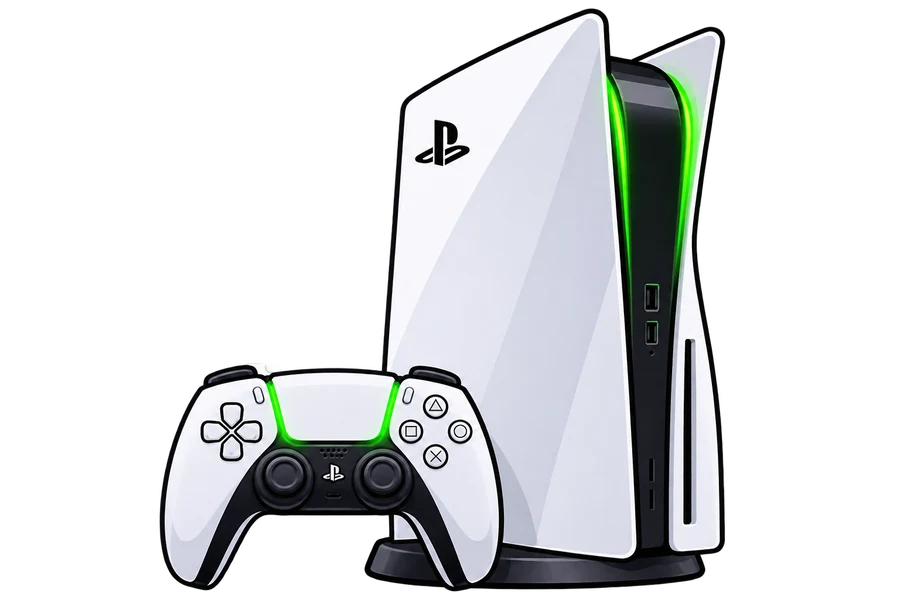
The same PC and PS5 art your staff and players already see in the app.
How it works
Tell us about your cafe. RigPass adds your venue, stations, hours and prices, and puts it live after a short review.
Put RigPass Client on each cafe PC. Pair it from the staff app and set your lock screen.
Players book online. Staff run the floor, scan QR codes, and collect the rest at the counter.
For cafes
The floor, walk-ins, bills and stations live in the RigPass Staff app. Venues are added, reviewed and set live by RigPass. The website is where players find you and book.
Live floor, QR scan, walk-ins, extend, pause, end and bills. Windows for the counter PC, Android for the floor.
Lock screen, session timer and restrictions for every cafe PC. Windows 10/11, 64-bit.
Listing is free. Email us your cafe name, area and stations, and RigPass sets up your venue for review.
Download
Windows client for cafe PCs, the staff app, and the booking app for players. Versions and checksums live on the download page.
Lock screen, session timer and restrictions for cafe PCs. Windows 10/11, 64-bit.
Download Client
Floor, QR scan, walk-ins and bills. Desktop for the counter, or Android for the floor.
Players find a cafe, book a rig and pay the advance. Android, or the web app on any phone.
Pricing
₹0 / month
The customer app, staff app, Windows client and reports are included. No subscription.
5% per booking
Players pay a 10% advance on online bookings. RigPass keeps 5%, the other 5% is credited to your cafe, and you collect the rest at the counter. Walk-ins are fee-free.
FAQ
Windows 10 or 11 PCs if you want PC lock and the session timer, and any phone or computer for the staff app. Listing your cafe is free.
No. Software is ₹0 per month. Players pay a 10% advance on online bookings. RigPass keeps 5%, your cafe gets the other 5%, and you collect the rest at the counter.
By default the advance is a non-refundable booking fee. See the Terms for the current policy.
Yes. If they have an active wallet or hours at your cafe, they can pay the advance from that balance instead of the online checkout.
Yes. They pay only the online advance for a booking, and the rest at the cafe.
On iPhone, RigPass installs from Safari as a web app: tap Share, then “Add to Home Screen”. See the download page.
Email us with your cafe name, area and stations. RigPass adds and reviews every venue before it goes live, then your team runs it from the RigPass Staff app.